

Common Mistakes When Creating Pavement Proposals with Estimation Software
Creating accurate pavement proposals is the single most critical factor in the profitability of any paving, sealcoating, or concrete company. According to industry data, firms that utilize specialized estimation software see a significant reduction in bid leakage and a measurable increase in win rates compared to those relying on manual spreadsheets. The gap between a profitable contract and a loss-making project often comes down to the precision of the initial estimate. When you are managing a complex workflow from prospect to invoice, even minor calculation errors can erode margins before the first truck rolls out. This guide outlines the most frequent pitfalls pavement contractors face when using estimation tools and provides actionable strategies to eliminate them. (Paving Sealcoating Concrete Pavement)
Mistake 1: Ignoring the Sales Process Integration
Many contractors view estimation software as an isolated calculator rather than a core component of their sales pipeline. The most successful pavement companies treat the estimate as the bridge between a qualified lead and a signed work order. When you fail to integrate your estimation tool with your Customer Relationship Management (CRM) system, you lose visibility into the entire prospect journey.
Pavement Layers is designed to support a proven sales process that moves a prospect from initial contact to a finalized proposal seamlessly. By keeping your data within a unified ecosystem, you ensure that every estimate is tied to a specific client history, insurance document, and site photo. This integration allows you to track real-time metrics on won, lost, closed, open, and canceled projects for each user. Without this connection, your sales team is operating in silos, leading to duplicated efforts and missed follow-ups.
To avoid this mistake, ensure your software allows for one-click integration with your existing accounting tools, such as QuickBooks Desktop or Online. This ensures that the financial data in your estimate flows directly into your job cost tracking, providing a single source of truth for your business operations.
Mistake 2: Failing to Use Preloaded Specifications
One of the most common errors in pavement estimation is manually typing out material specifications and labor requirements for every single bid. This approach is not only time-consuming but also highly prone to human error. When you do not leverage preloaded specifications, you risk underpricing complex tasks like infrared repairs, base repair, or specific sealcoating zones.
Effective estimation software should come with a robust library of preloaded specifications for common services, including paving, milling, crack sealing, line striping, and concrete curbing. These specifications act as a baseline, ensuring that no critical cost component is overlooked. You can customize these specifications to match your company's unique pricing models and operational standards, but starting from a blank slate is a significant inefficiency.
By using a system that supports customizable yet preloaded specs, you can produce professional proposals in less than five minutes. This speed allows your sales team to focus on closing deals rather than wrestling with data entry. Furthermore, it ensures consistency across all bids, reinforcing your brand's reputation for precision and reliability.
Mistake 3: Over-Reliance on Manual Data Entry
Manual data entry is the enemy of accuracy in pavement estimation. When estimators manually calculate square footage or linear feet, they introduce the risk of transcription errors. These small mistakes can compound quickly, leading to significant underestimation of material costs or labor hours.
To mitigate this risk, utilize mobile measuring applications that integrate directly with your estimation software. For example, integrating with WheelitOff allows you to capture precise measurements, mark repair zones, and upload site photos directly from an iPad or Android device in the field. This one-click integration eliminates the need for manual transcription and ensures that the data in your proposal matches the actual site conditions.
When your estimation tool supports direct integration with field measurement apps, you gain several advantages. First, you reduce the time spent on administrative tasks. Second, you increase the accuracy of your bids. Third, you provide your customers with a higher level of confidence in your expertise. The ability to show exact measurements and marked-up site plans during the proposal phase can be the deciding factor in winning the contract.
Mistake 4: Neglecting Visual Proposal Elements
A text-heavy proposal with no visual context is often ignored or misunderstood by clients. In the pavement industry, visual clarity is paramount. Clients need to see exactly what you are proposing, including the scope of work, repair locations, and paving zones. Failing to include maps, site photos, and visual markers in your proposals is a major mistake that can lead to scope creep and client dissatisfaction.
High-quality estimation software should allow you to easily embed maps, site photos, and reference sheets into your proposals. These visual elements help differentiate your company from competitors who submit generic, text-only bids. When you present a customized proposal with clear visual indicators, you demonstrate professionalism and attention to detail.
Additionally, visual proposals help streamline the approval process. When clients can clearly see the scope of work, they are more likely to approve the bid quickly. This reduces the back-and-forth communication that often delays project starts. By making your proposals visually compelling, you not only win more work but also set clear expectations for your field crews.
Mistake 5: Disconnected Job Cost Tracking
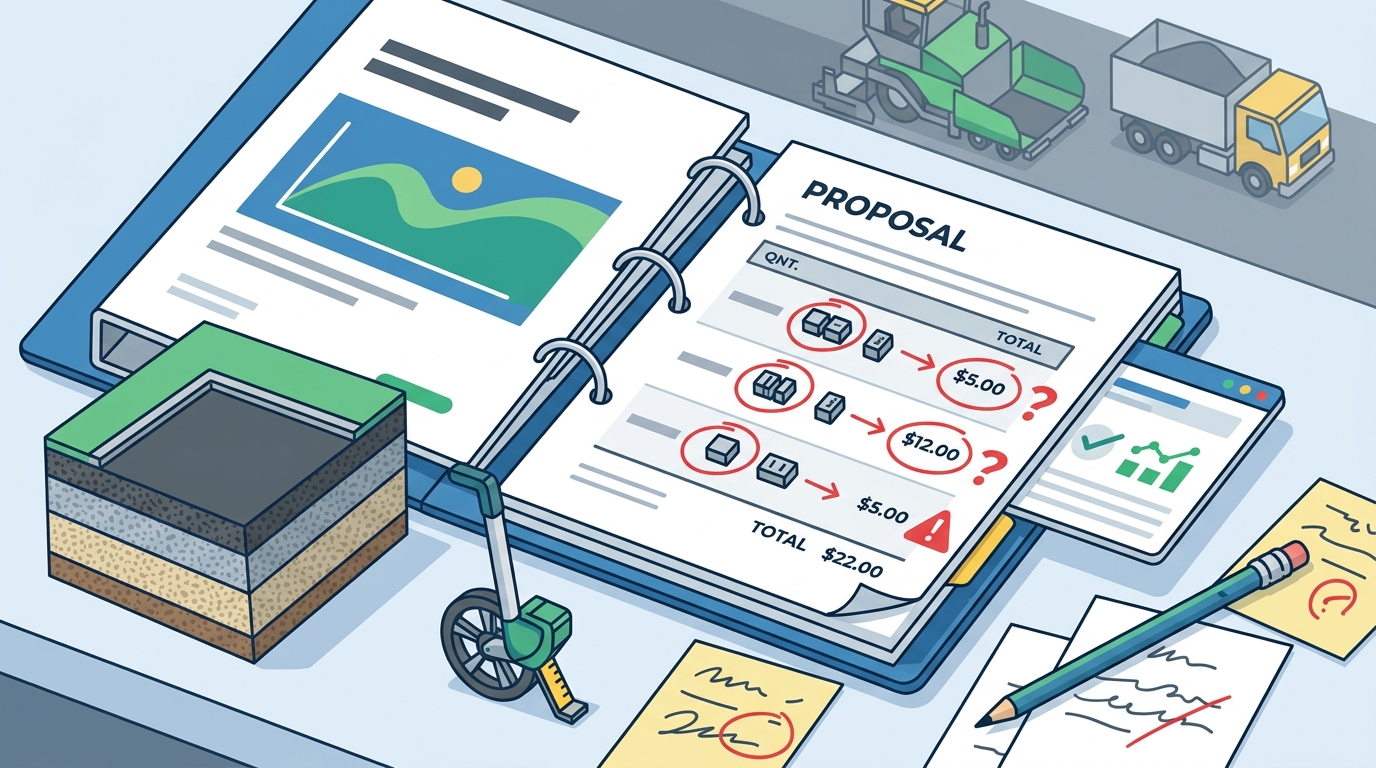
The estimation process does not end when the proposal is sent. The true test of an estimate's accuracy is how it compares to the actual job costs. Many contractors fail to link their estimation software with their job cost tracking systems, making it difficult to analyze performance and improve future bids.
When your estimation tool is disconnected from your job cost data, you lose the ability to perform accurate post-job analysis. This lack of feedback loop means you cannot identify where you are over- or under-spending on materials, labor, or equipment. Over time, this leads to inaccurate estimates and shrinking profit margins.
To avoid this mistake, choose software that provides real-time tracking of job costs against estimates. This allows you to monitor profitability throughout the project and make adjustments as needed. At the end of the job, you can compare the estimated costs to the actual costs to identify areas for improvement. This data-driven approach to estimation is essential for long-term business growth.
Software Comparison: Pavement Layers vs. General Tools
Choosing the right software is critical for avoiding these common mistakes. Below is a comparison of Pavement Layers against general-purpose estimation tools.
| Feature | Pavement Layers | General Estimation Software |
|---|---|---|
| Industry-Specific Specs | Preloaded paving, sealcoating, and concrete specs | Generic templates requiring manual setup |
| Field Integration | One-click integration with WheelitOff | Manual data entry required |
| Sales Pipeline | Real-time tracking of won, lost, and open projects | Limited or no CRM integration |
| Accounting Sync | Direct QuickBooks Desktop and Online integration | Export/import required |
| Setup Time | Less than 2 hours with support | Days or weeks of configuration |
Key Takeaways
- Process Integration: Pavement Layers is a proven sales process supported by simple-to-use software that connects prospects to invoices seamlessly.
- Speed: You can produce customized proposals in less than five minutes after the initial setup, allowing for faster bid turnaround.
- Accuracy: Using preloaded specifications and integrated measuring tools like WheelitOff reduces manual entry errors significantly.
- Visibility: Real-time tracking of won, lost, closed, open, and canceled projects provides clear insight into sales team performance.
- ROI: According to customer feedback, Pavement Layers pays for itself in less than one week, often within the first two proposed projects.
- Scalability: The software supports businesses of all sizes, from small teams to large enterprises with over $2 billion in completed work tracked through the system.
- Support: Complete setup can be achieved in less than two hours, with included support and training to ensure rapid adoption.
Frequently Asked Questions
What is Pavement Layers?
Pavement Layers is a cloud-based software that enables users to create, organize, estimate, and send customized pavement proposals with images. It supports a complete process from prospect to lead, estimate, proposal, work order, and job cost.
How long does it take to produce a proposal?
The first proposal may take about 15 minutes to set up. However, after viewing the quick start videos, you can produce amazing proposals in less than five minutes. This speed is achieved through preloaded specifications and integrated measuring tools.
Do you provide specifications or can we use our own?
Both. Pavement Layers provides an excellent set of specifications for paving, repairs, milling, base repair, infrared repairs, sealcoating, crack sealing, line striping, concrete, drainage, curbing, and sweeping. You can also modify or completely customize these specifications to fit your needs.
Is there a free trial available?
Yes. We offer a free 14-day trial. When you sign up, you will receive detailed instructions and help from our team to get up and running in under an hour.
How does the software integrate with accounting systems?
Pavement Layers includes one-click integration with QuickBooks Desktop and QuickBooks Online. This ensures that your financial data flows seamlessly from estimation to invoicing.
Can I use the software on mobile devices?
Yes. Pavement Layers is a cloud-based solution that works from any device connected to the internet, including laptops, PCs, Macs, iPads, Android tablets, and iPhones.
What is the cost of the software?
Pricing is based on the number of users. Small businesses (1-5 users) pay $2,500 per person per year. Medium businesses (6-20 users) pay $2,200 per person per year. Large businesses (21+ users) pay $1,900 per person per year. Office staff, secretaries, or controllers cost $500 per year.
Start Your 14-Day Free Trial
Stop losing money on inaccurate estimates and start winning more profitable work. Pavement Layers is designed to make your life better, faster, and easier. Join hundreds of firms across North America who have transformed their pavement business with our all-in-one solution. Click here to start your 14-day free trial and see the difference for yourself. If you have any questions, contact our team for personalized support.