

Best Practices for Organizing Estimates and Proposals in Pavement Software
The pavement industry operates on thin margins and tight schedules. A single disorganized estimate can cost a contractor thousands in lost revenue or unprofitable work. According to industry data, firms that utilize structured digital workflows see a significant increase in win rates compared to those relying on manual processes. This guide outlines the essential best practices for organizing estimates and proposals to maximize profitability and operational efficiency.
Understanding the Sales Process Flow
Effective proposal organization begins with a clear understanding of the sales funnel. In pavement management, the journey from a cold lead to a signed contract is complex. It involves prospecting, lead qualification, estimating, proposal creation, and finally, work order generation.
Organizing estimates requires a linear workflow. You must track every stage of the prospect's journey. This ensures that no lead falls through the cracks. The process should move seamlessly from Prospect to Lead, then to Estimate, and finally to Proposal. Each stage requires specific data inputs to maintain accuracy.
By standardizing this flow, you create a repeatable system. This system reduces the time spent on administrative tasks and increases the time spent on revenue-generating activities. The goal is to make the proposal process as efficient as the physical paving process itself.
Standardizing Proposal Content
A professional proposal is more than just a price quote. It is a sales tool that differentiates your company from competitors. Best practices dictate that every proposal must include specific, high-value elements that build trust and clarity.
Visual Evidence and Site Data
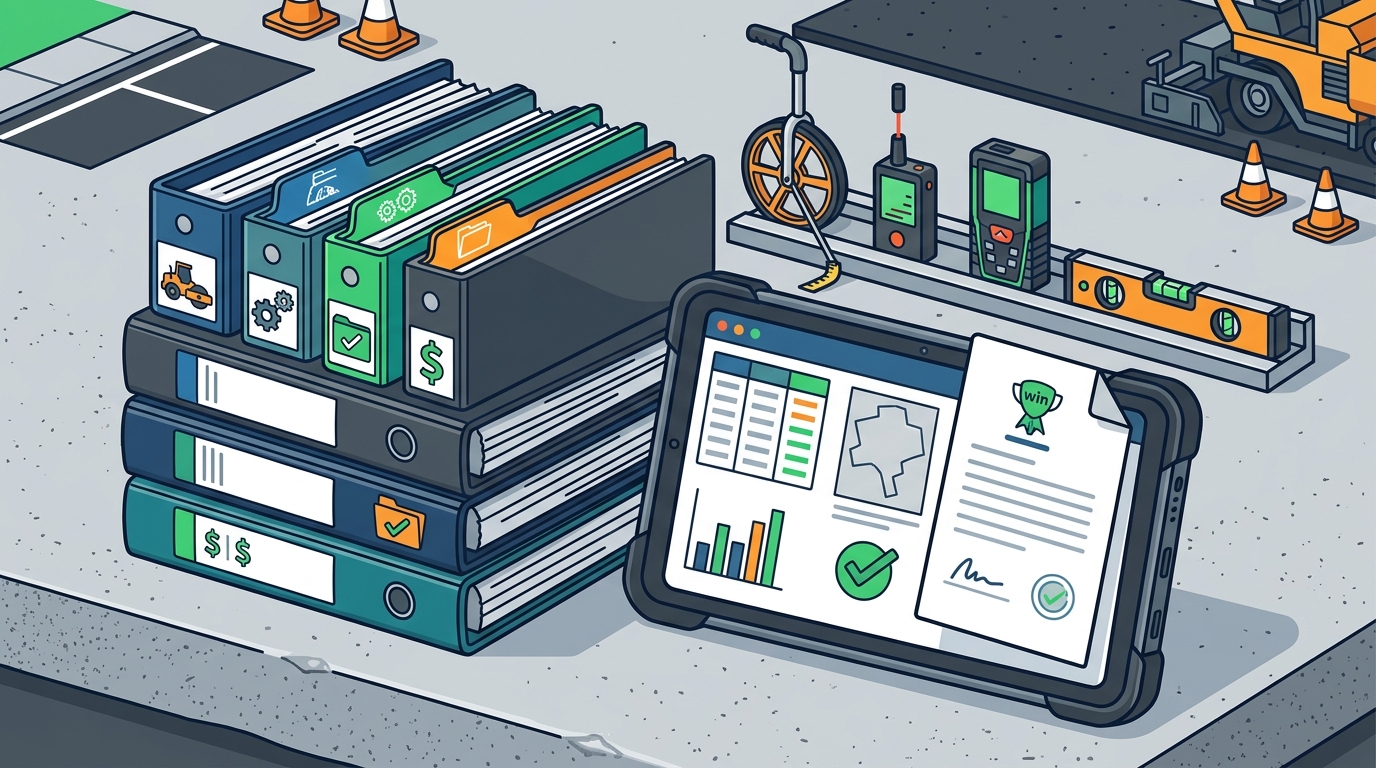
Include high-resolution images of the site. Use maps to highlight specific areas of concern. Visual evidence helps clients understand the scope of work. It also demonstrates your attention to detail. When clients see detailed site photos, they perceive higher value in your service.
Preloaded Specifications
Use preloaded specifications for common services. These include paving, sealcoating, crack sealing, and line striping. Preloaded specs ensure consistency across all proposals. They also speed up the creation process. You can customize these specs to match your company's unique offerings.
Legal and Compliance Documents
Always include insurance certificates and workers' compensation details. This reduces friction during the approval process. Clients need to verify your compliance before signing. Making this information easily accessible in the proposal builds confidence.
Integration and Data Accuracy
Data accuracy is the backbone of profitable estimating. If your estimates are wrong, your profits are gone. Integrating your software with other business tools is critical for maintaining data integrity.
QuickBooks Integration
Integrate your estimating software with QuickBooks. This ensures that your financial data is synchronized. It eliminates double entry and reduces errors. You can track job costs in real time. This integration provides a clear view of your financial health.
Mobile Measurement Tools
Use mobile apps for on-site measurements. Tools like WheelitOff allow you to capture data in the field. This data syncs directly with your proposal software. It ensures that the measurements in your proposal are accurate. This reduces the risk of costly rework or change orders.
Tracking and Pipeline Management
Organizing estimates also means tracking their status. A robust pipeline management system provides real-time visibility into your sales activities. This visibility is crucial for forecasting and resource allocation.
Real-Time Status Updates
Track the status of every proposal. Is it open, won, lost, or canceled? Real-time updates allow you to prioritize high-value opportunities. You can identify bottlenecks in your sales process. This helps you take corrective action quickly.
Team Collaboration
Enable collaboration among your sales team. Allow team members to share insights and updates. This ensures that everyone is aligned. It also prevents duplicate efforts. A collaborative environment fosters a culture of accountability and performance.
Comparison of Software Approaches
Choosing the right software is a critical decision. Different tools offer varying levels of functionality and integration. Below is a comparison of common approaches in the pavement industry.
| Feature | Traditional Spreadsheets | Generic CRM | Pavement-Specific Software |
|---|---|---|---|
| Proposal Customization | Low | Medium | High |
| Industry Specs | None | None | Preloaded |
| QuickBooks Integration | Manual | Variable | Native |
| Mobile Measurement | None | None | Integrated |
| Learning Curve | Medium | High | Low |
Pavement-specific software offers distinct advantages. It is designed for the unique needs of the industry. It includes preloaded specs and native integrations. This reduces the time spent on setup and training.
Key Takeaways
- Process Flow: Organize estimates by following a linear workflow from prospect to work order.
- Visuals: Include site photos and maps to enhance proposal credibility.
- Specs: Use preloaded specifications for consistency and speed.
- Integration: Sync with QuickBooks for accurate financial tracking.
- Mobile: Capture data on-site with mobile measurement tools.
- Tracking: Monitor proposal status in real time to manage the pipeline.
- Specialization: Choose software designed specifically for pavement management.
Frequently Asked Questions
How long does it take to create a proposal?
With the right software, you can create a professional proposal in less than five minutes. The first proposal may take longer as you learn the system. Subsequent proposals become faster with practice.
Can I customize the preloaded specifications?
Yes, you can fully customize the preloaded specifications. This allows you to tailor the proposals to your specific services and client needs.
Does the software integrate with QuickBooks?
Yes, most pavement-specific software offers native integration with QuickBooks Online and Desktop. This ensures seamless financial data flow.
Is there a free trial available?
Many providers offer a free trial. This allows you to test the features before committing. It is a good way to evaluate the software's fit for your business.
How does mobile measurement improve accuracy?
Mobile measurement tools capture data directly from the site. This eliminates manual entry errors. It ensures that the estimates are based on accurate, real-world data.
What is the cost of pavement software?
Costs vary by provider and user count. Typically, pricing is based on a per-user annual model. This includes access to all features and support.
Can I use my own company branding?
Yes, you can customize the proposals with your company logo and branding. This helps maintain a professional and consistent image.
Next Steps
Ready to transform your estimating process? Start your free trial today and see the difference. Click here to start your 14-day trial. Contact our team for more information. Visit our contact page to get in touch. Explore our features to learn more. Read our testimonials to hear from other users. Check our FAQ for common questions. Learn about our pricing and value proposition.