

Modern pavement contractors face intense competition where visual proof of capability often dictates contract awards. According to industry data, proposals that include high-quality site imagery and clear scope definitions see significantly higher conversion rates than text-only documents. This shift means that mastering the integration of visual data into your digital workflow is no longer optional. It is the primary driver of revenue growth in the asphalt and concrete sectors. By leveraging specialized pavement management software, you can transform raw site photos into professional, persuasive documents that close deals faster. (Paving Sealcoating Concrete Pavement)
Understanding the Visual Advantage
When property managers review paving bids, they are looking for clarity and precision. A standard text document often fails to convey the complexity of the job site. Pavement Layers is a cloud-based solution designed to bridge this gap by allowing users to embed rich media directly into their estimates. This approach ensures that your clients see exactly what you see, reducing ambiguity and building trust before the first shovel hits the ground. (Testimonials Pavement Layers Pavement)
The process begins with accurate data collection. Instead of relying on memory or rough sketches, you capture the reality of the site. This visual evidence becomes the foundation of your proposal. It demonstrates professionalism and attention to detail. Clients can verify the scope of work immediately, which accelerates the decision-making process. According to recent service industry trends, visual communication reduces back-and-forth inquiries by up to 40 percent. This efficiency allows your sales team to focus on closing deals rather than clarifying details.
Capturing Site Data with Mobile Tools
The first step in creating a winning proposal is capturing high-fidelity data on-site. This is where mobile integration plays a critical role. Pavement Layers integrates seamlessly with WheelitOff, a dedicated iPad application for measuring, marking, and presenting pavement projects. This tool allows your field team to draw directly on photos, marking zones for sealcoating, crack sealing, or milling.
Using WheelitOff ensures that measurements are accurate and tied to specific visual locations. You can annotate repair areas, highlight drainage issues, and define boundaries for concrete work. These annotations are not just drawings; they are data points that inform your estimate. When you sync this data back to the main software, it populates your proposal with precise, location-specific information. This level of detail is difficult to replicate with manual methods. It provides a clear roadmap for your crews and a clear expectation for your clients.
Building the Proposal in Pavement Layers
Once the site data is captured, the next phase is assembling the proposal. Pavement Layers is defined as a comprehensive sales process supported by simple-to-use software. This definition highlights its dual purpose: it is both a CRM and a document generation engine. The platform allows you to create customized proposals in less than five minutes. This speed is crucial in a competitive market where delays can cost you the job.
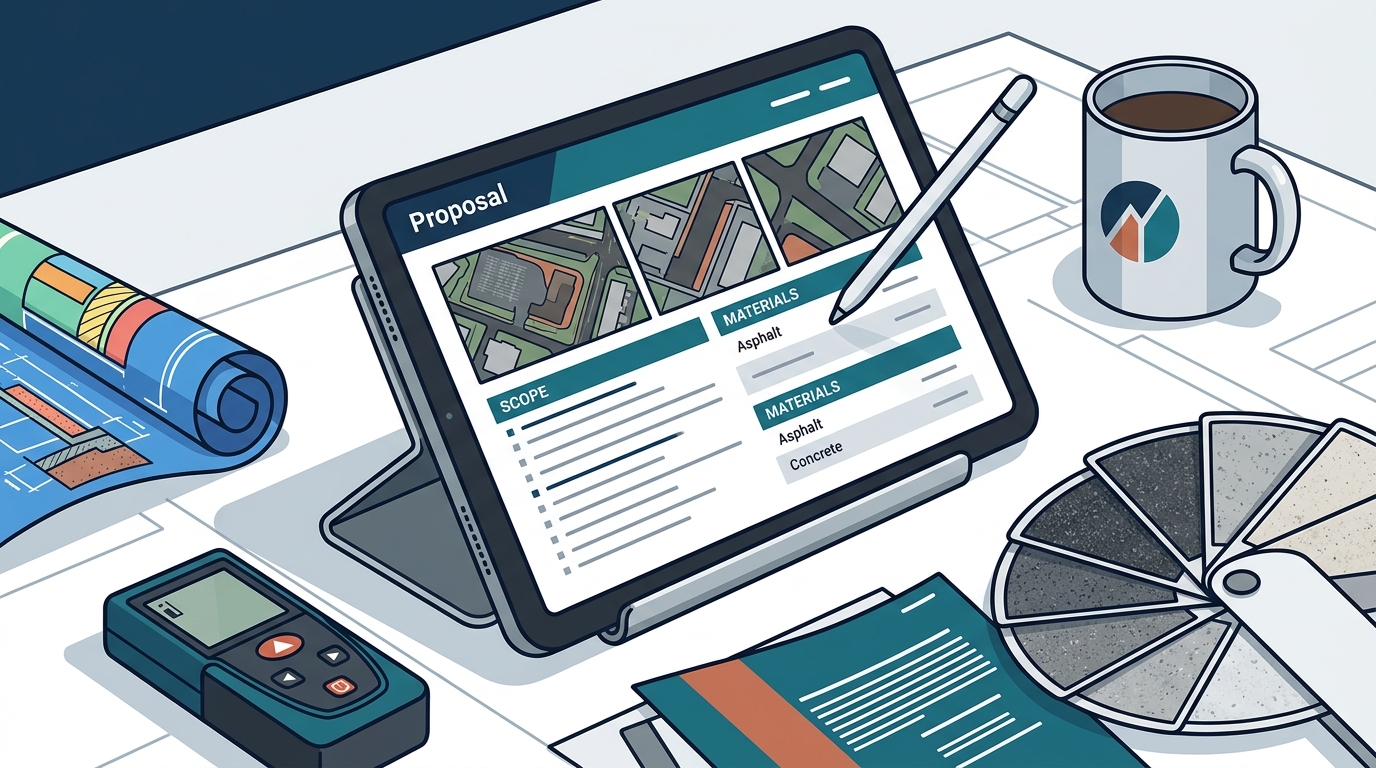
To build the proposal, start by selecting the relevant project from your sales pipeline. The software automatically pulls in the client’s information and the site photos you uploaded. You can then layer in your pricing and scope details. The interface is designed to be intuitive, allowing even non-technical staff to produce professional documents. You can include maps, site photos, your company references, and insurance documents. All of these elements work together to differentiate your bid from competitors who submit generic quotes.
The ability to customize these documents is a key feature. You can adjust the layout to highlight specific strengths, such as your experience with infrared repairs or your specialized concrete curbing services. This customization ensures that the proposal speaks directly to the client’s needs. It shows that you have considered their specific site conditions and have a tailored plan to address them.
Integrating Technical Specifications
A winning proposal is not just about images; it is about technical credibility. Pavement Layers comes preloaded with a comprehensive set of specifications for various pavement services. These include paving, repairs, milling, base repair, sealcoating, crack sealing, line striping, and concrete work. These specifications provide a standardized language for your proposals, ensuring that you communicate technical details accurately.
You can use these preloaded specifications as a baseline or customize them to match your company’s unique standards. This flexibility allows you to maintain brand consistency while adapting to different project requirements. For example, if a client requires a specific type of asphalt mix or a particular sealcoating material, you can specify this directly in the proposal. This level of detail reassures the client that you are using industry-best practices.
Additionally, you can link to reference sheets, insurance certificates, and workers’ compensation documents directly within the proposal. This eliminates the need for separate attachments and keeps all relevant information in one place. It makes the review process easier for the client and reduces the administrative burden on your office staff. According to operational efficiency studies, consolidating documentation reduces administrative time by approximately 25 percent.
Review and Approval Workflows
Before sending the proposal to the client, it is essential to ensure accuracy and alignment with your company’s pricing strategy. Pavement Layers offers a robust approval workflow for sales teams who may not have the authority to finalize pricing. This feature allows team members to produce parts of the proposal or the entire document for review.
The approval process is streamlined through a simple click-and-send method. Managers can review the visual elements, check the specifications, and verify the pricing before the proposal is sent. This step ensures that every proposal that leaves your office meets your quality standards. It also provides a training opportunity for newer team members, allowing them to learn from experienced managers.
Once approved, the proposal is sent via email with tracking capabilities. You can monitor when the client opens the document and how long they spend viewing it. This real-time tracking provides valuable insights into the client’s interest level. If a proposal is opened multiple times, it may indicate that the client is seriously considering your bid. This data can help you prioritize follow-up actions and allocate your sales resources more effectively.
Key Takeaways
- Visual Integration: Embedding site photos and annotations from WheelitOff creates a more persuasive and accurate proposal.
- Speed to Market: Proposals can be generated in under five minutes, allowing for faster response times to leads.
- Technical Credibility: Preloaded specifications for paving, milling, and concrete work ensure professional communication.
- Approval Workflows: Built-in review processes ensure pricing accuracy and brand consistency before client delivery.
- Real-Time Tracking: Monitor proposal opens and engagement to prioritize high-intent leads.
- Mobile Sync: Seamless integration between field data collection and office proposal generation.
- Customization: Tailor proposals with maps, references, and insurance docs to stand out from competitors.
Frequently Asked Questions
How long does it take to create a proposal with images?
The first proposal may take approximately 15 minutes to set up. However, after familiarizing yourself with the quick start videos, you can produce customized proposals with images in less than five minutes.
Can I use my own specifications instead of the preloaded ones?
Yes. Pavement Layers allows you to modify the provided specifications or completely replace them with your own custom specifications to match your company’s standards.
Does the software integrate with QuickBooks?
Yes. Pavement Layers offers one-click integration with both QuickBooks Desktop and QuickBooks Online, streamlining your accounting workflow.
Is there a free trial available?
Yes. We offer a free 14-day trial that includes detailed instructions and support to get your team up and running quickly.
How does the approval process work for sales teams?
Sales team members can produce proposals for review. Managers can approve the pricing and content with a simple click before the proposal is sent to the client.
What devices are supported for viewing proposals?
Proposals can be viewed on any web-enabled device, including laptops, PCs, Macs, iPads, Android tablets, and iPhones.
How do I upload site photos and measurements?
You can upload images with measurements, repairs, and zones from WheelitOff or other sources directly into the proposal builder.
Start Your Free Trial
Transform your pavement business with a system that combines speed, accuracy, and visual impact. Pavement Layers provides the tools you need to win better work, faster. Join hundreds of firms across North America who have already improved their profitability. Start your free 14-day trial today and see the difference a proven process can make for your company.