

Modern pavement management relies heavily on cloud-based efficiency, yet the hardware and software infrastructure required to run these tools effectively varies by device type. According to industry data, over 60% of field operations now utilize mobile-first estimation apps, necessitating robust mobile device compatibility alongside traditional desktop workflows. This guide outlines the exact technical specifications needed to run pavement estimation software like Pavement Layers, ensuring your office team and field crews operate without friction.
Internet Connectivity Standards
Because pavement estimation software is fundamentally cloud-based, a stable internet connection is the single most critical system requirement. Unlike legacy desktop applications that store data locally, cloud solutions like Pavement Layers process data in real-time to ensure your sales pipeline, proposals, and job costs are always synchronized.
For office staff, a standard broadband connection with speeds of at least 10 Mbps is sufficient for managing proposals and CRM data. However, for field crews using mobile apps to capture site photos and measurements, a 4G LTE or 5G connection is recommended. The Federal Communications Commission notes that mobile network reliability has improved significantly, but offline capabilities are still a valuable backup for sites with poor signal coverage.
Desktop and Laptop Specifications
Your office team will primarily interact with the web-based dashboard. While the software is lightweight, it handles complex data visualization for sales pipelines and job costing. To ensure smooth performance, your desktop or laptop should meet the following baseline specifications:
- Operating System: Windows 10 or later, or macOS 10.15 (Catalina) or later.
- Processor: Intel Core i5 or equivalent AMD processor.
- RAM: 8 GB minimum, though 16 GB is recommended for multitasking with QuickBooks.
- Storage: 256 GB SSD for fast boot times and application loading.
These specifications are standard for modern business laptops and ensure that your team can handle the real-time tracking of won, lost, and open projects without latency.
Mobile Device and App Requirements
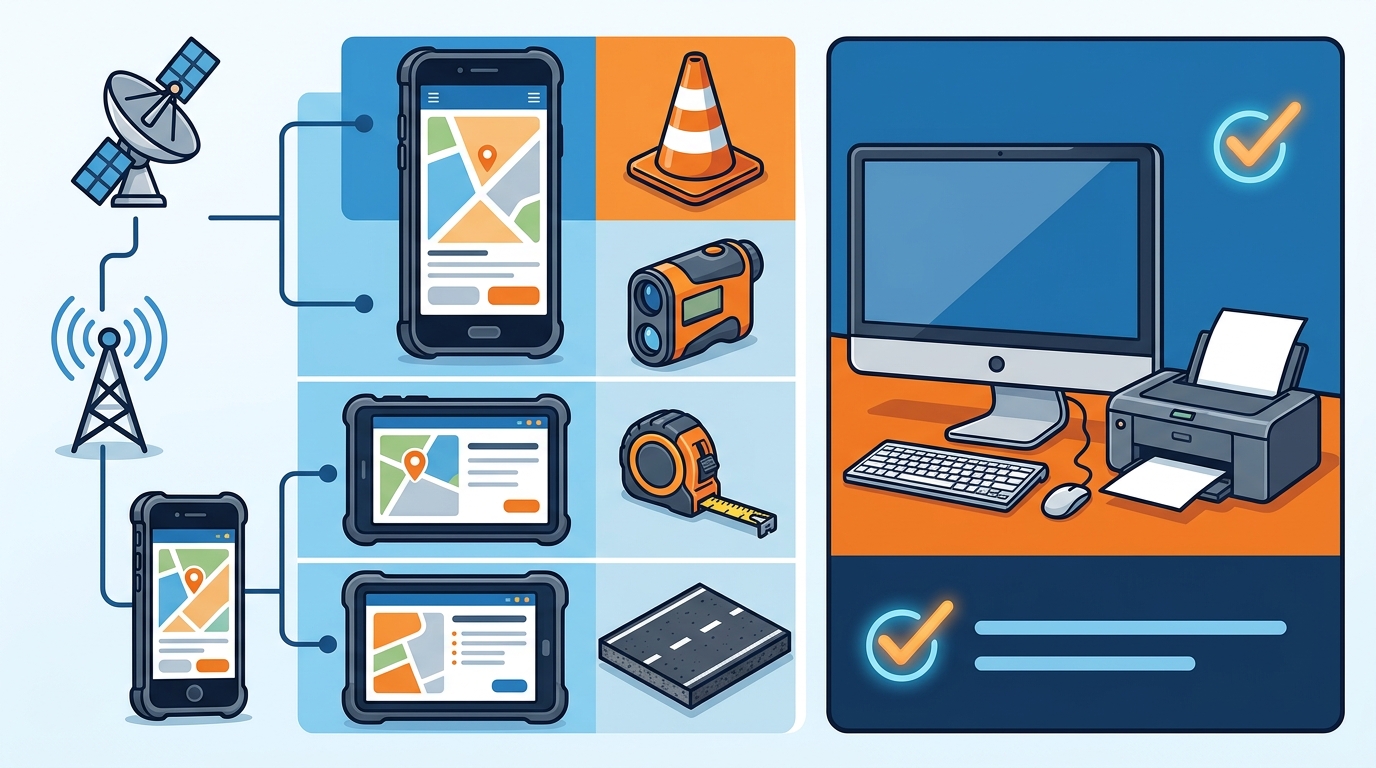
Field operations are where pavement estimation software shines. The integration with mobile apps like WheelitOff allows crews to measure, mark, and present proposals directly from the job site. To run these companion apps effectively, your mobile devices must meet specific criteria.
For iOS users, an iPad Air (3rd generation or newer) or an iPhone 11 or newer is recommended. The app requires iOS 15 or later to function correctly. For Android users, tablets with at least 64 GB of storage and Android 10 or later are supported. Apple Support emphasizes that newer hardware ensures better camera integration, which is vital for uploading high-resolution site photos to proposals.
The mobile app costs an additional $300 per year and is designed to work seamlessly with the main software. It allows for the upload of images with measurements, repairs marked, and zones defined, which then syncs instantly to the office dashboard.
Browser and Software Compatibility
Since the core platform is web-based, browser choice is critical for optimal performance. The software is optimized for modern, standards-compliant browsers. Using outdated browsers can lead to rendering issues with proposal templates and map integrations.
The recommended browsers are:
- Google Chrome: Version 90 or later. Chrome is often the preferred choice for its robust developer tools and extension compatibility.
- Mozilla Firefox: Version 88 or later. Firefox offers strong privacy features and consistent rendering.
- Microsoft Edge: Version 90 or later. As the Chromium-based successor to Internet Explorer, Edge provides excellent compatibility.
- Safari: Version 14 or later for macOS and iOS users.
It is important to note that Internet Explorer is no longer supported. Microsoft officially retired Internet Explorer in 2022, directing all enterprise users to migrate to Edge for security and performance updates.
Integration and API Requirements
A key feature of modern pavement estimation software is its ability to integrate with existing accounting and operational tools. Pavement Layers offers one-click integration with QuickBooks Desktop and Online. To utilize this feature, your accounting software must be up to date.
For QuickBooks Online, you must have an active subscription to the Plus, Advanced, or Enterprise tier. For QuickBooks Desktop, version 2018 or later is required. The API integration allows for seamless data flow between your estimation proposals and your final invoicing, reducing manual data entry errors.
Additionally, if you use other tools like ProSiteAudit for inspection, ensure they have active API keys. The Intuit Developer Network provides extensive documentation for maintaining these connections, ensuring that your financial data remains accurate and synchronized.
Key Takeaways
- Cloud Dependency: A stable internet connection is mandatory for real-time data synchronization across office and field teams.
- Mobile Hardware: iPads (3rd gen+) and Android tablets (64GB+) are required for the WheelitOff app to function correctly.
- Browser Standards: Use Chrome, Firefox, Edge, or Safari version 14+; Internet Explorer is unsupported.
- Accounting Integration: QuickBooks Online Plus or Desktop 2018+ is required for seamless financial data flow.
- Setup Time: Complete setup and training can be achieved in less than 2 hours with the included support.
- Pricing Structure: User pricing ranges from $1,900 to $2,500 per person per year, depending on company size.
- Cost Efficiency: The software pays for itself in less than one week for most users by improving proposal speed and accuracy.
Frequently Asked Questions
What is the minimum hardware for office staff?
Office staff need a standard modern laptop or desktop with Windows 10 or macOS 10.15+, 8 GB of RAM, and a broadband internet connection. These specs ensure smooth performance when managing the CRM and proposal pipeline.
Does the software work offline?
The core web platform requires an internet connection. However, the mobile app (WheelitOff) allows for some offline data capture, which syncs to the cloud once connectivity is restored. This is useful for remote job sites with poor signal.
Can I use Pavement Layers on a smartphone?
While the web dashboard is accessible on smartphones, the primary mobile experience is optimized for tablets. The WheelitOff app is designed for iPads and Android tablets to provide a better canvas for measuring and marking pavement zones.
How long does it take to set up the system?
Pavement Layers is designed for rapid deployment. Most companies are fully up and running in less than 2 hours. The platform includes step-by-step videos and direct support to guide your team through the initial configuration.
What accounting software is supported?
The software integrates directly with QuickBooks Desktop and QuickBooks Online. It also offers an API for integration with other accounting systems, allowing for flexible financial workflows.
Is there a free trial available?
Yes, Pavement Layers offers a free 14-day trial. This allows you to test the proposal creation, CRM, and estimation features without any financial commitment before purchasing a subscription.
What are the system requirements for the WheelitOff app?
WheelitOff requires an iPad Air (3rd gen+) or iPhone 11+ with iOS 15+, or an Android tablet with 64 GB storage and Android 10+. It costs an additional $300 per year and enhances proposal accuracy with on-site measurements.
Start Your Trial
Ready to streamline your pavement estimation process? Pavement Layers provides the tools you need to win better work, faster. With a 14-day free trial, you can experience the power of cloud-based proposal management and real-time pipeline tracking. Contact our team today to schedule your demo and see how we can help your company grow.