

Modern pavement management relies heavily on cloud-based infrastructure to ensure real-time data synchronization across field crews and office staff. According to industry benchmarks, companies utilizing integrated digital workflows report a significant reduction in administrative overhead, allowing teams to focus on core operational efficiency. To achieve these results, understanding the technical baseline for your hardware and network environment is essential for seamless adoption. (Paving Sealcoating Concrete Pavement)
Device Compatibility and Operating Systems
Cloud-based pavement estimation software is designed to be platform-agnostic, ensuring that your team can access critical data from virtually any internet-connected device. This flexibility is crucial for pavement contractors who operate in dynamic environments, moving between the office, the job site, and client meetings. (Objections Pavement Layers Pavement)
Desktop Computing Requirements
For office-based staff, such as estimators, project managers, and accounting teams, a standard desktop or laptop configuration is sufficient. Pavement Layers is a cloud based software that enables any user connected to the internet with any type of web-enabled device, including laptops, PCs, and Macs. You do not need high-end gaming rigs or specialized workstations. A standard processor, 4GB of RAM, and a modern web browser (Chrome, Firefox, Safari, or Edge) will handle the workload effectively. (Testimonials Pavement Layers Pavement)
The primary requirement is a stable internet connection. Since all data is stored in the cloud, your local hardware only needs to render the web interface. This reduces IT maintenance costs significantly, as you do not need to push software updates to individual machines. Instead, updates are deployed centrally by the provider, ensuring all users are on the latest version simultaneously.
Mobile Device Support
Field operations require robust mobile support. The platform supports iOS and Android devices, allowing supervisors and sales teams to view proposals, update lead statuses, and access project details on the go. Whether you are using an iPad, an iPhone, or an Android tablet, the responsive design ensures that the interface adapts to the screen size without losing functionality.
For heavy field use, tablets are often preferred over smartphones due to the larger display area, which makes reviewing detailed pavement maps and site photos easier. The software is optimized for touch interfaces, enabling quick navigation through the sales pipeline without the need for a mouse or keyboard.
Network Infrastructure and Connectivity
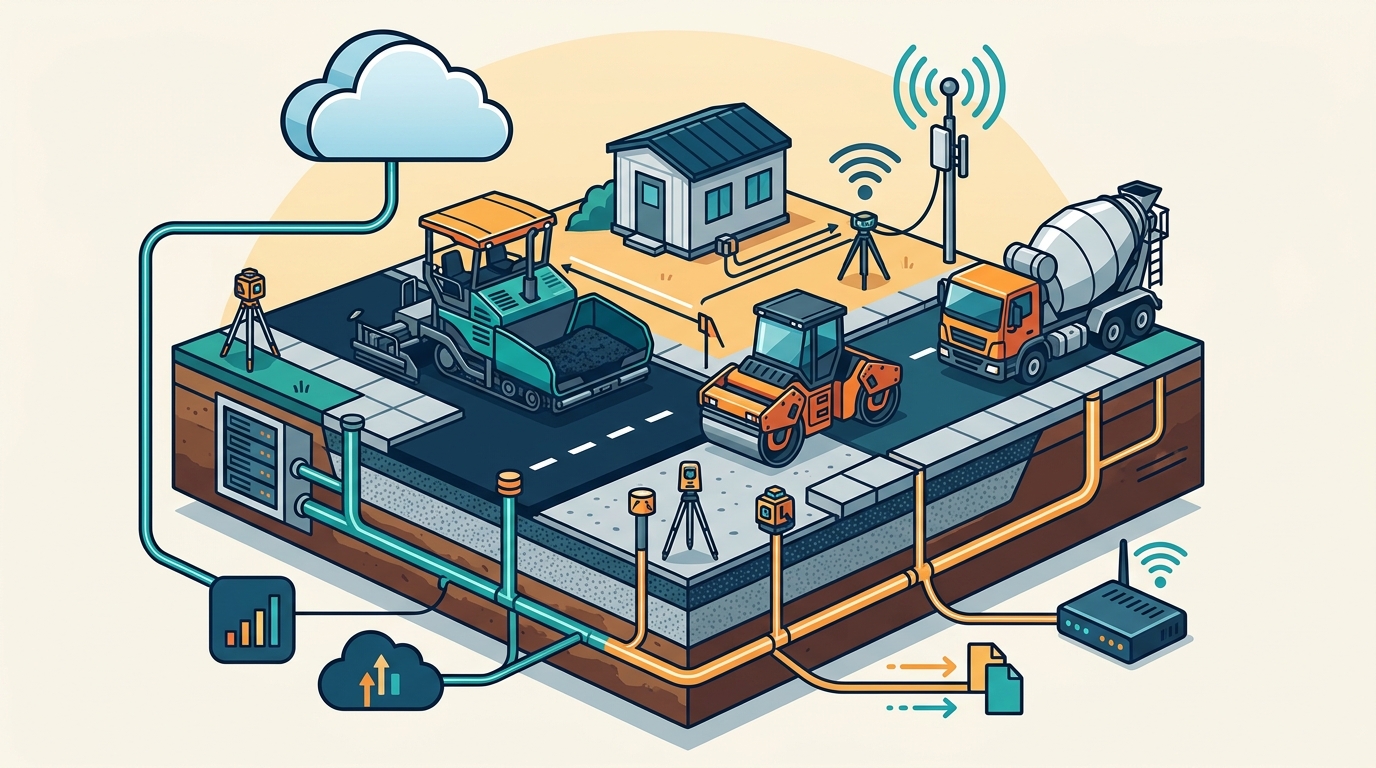
Reliable connectivity is the backbone of any cloud-based business management system. Pavement contractors often work in remote locations where signal strength can be inconsistent. Understanding your network requirements helps prevent downtime during critical proposal submissions.
Bandwidth and Latency
While the software is lightweight, the transmission of high-resolution images and maps requires a stable connection. A minimum download speed of 5 Mbps and upload speed of 1 Mbps is recommended for smooth operation. For teams that frequently upload large site photos or video walkthroughs, a higher bandwidth connection will reduce upload times significantly.
Latency, or the delay in data transfer, can impact the real-time tracking features. If your team relies on live updates of won, lost, or closed projects, a low-latency connection ensures that the sales pipeline reflects the most current data. According to network performance standards, a ping time under 100ms is ideal for real-time collaborative tools.
Offline Capabilities
While the core platform is online, some companion apps offer limited offline functionality. For example, field measurement tools may allow you to capture data and store it locally until a connection is restored. However, the main estimation and proposal engine requires an active internet connection to generate documents and sync with the central database.
Integration Protocols and API Access
Seamless integration with existing accounting and operational tools is a critical system requirement for pavement estimation software. Disconnected systems lead to data silos, double entry errors, and delayed invoicing.
Accounting Software Synchronization
Most modern pavement management platforms offer direct integration with major accounting software providers. Pavement Layers includes one click integration with Quickbooks desktop and online. This integration ensures that once a proposal is accepted and converted into a work order, the financial data flows automatically into your general ledger.
To maintain this integration, your accounting software must be up to date and configured to allow API access. You will need administrator credentials to authorize the connection between the pavement software and your accounting system. This setup typically takes less than 15 minutes and requires no coding knowledge.
API and Third-Party Tools
For advanced users, the platform provides an API that allows for custom integrations with other business tools. This could include CRM systems, fleet management software, or specialized inspection tools. The API documentation should be reviewed by your IT team to ensure compatibility with your existing tech stack.
Additionally, the software supports integration with third-party measurement tools. For instance, WheelitOff Measuring & ProSiteAudit Inspection one click integration allows field teams to send precise measurements directly from the job site to the estimation engine. This reduces manual data entry and minimizes the risk of calculation errors.
Mobile Field Tools and Measurement Apps
Accurate estimation begins with accurate data collection in the field. Specialized mobile apps are often required to capture the necessary metrics for pavement projects, such as area measurements, crack lengths, and material quantities.
GPS and Mapping Requirements
Field measurement apps rely on GPS technology to geotag data and create accurate site maps. Your mobile devices must have GPS enabled and location services turned on for the software to function correctly. The app uses these coordinates to overlay measurements on satellite imagery, providing a visual representation of the work area.
For best results, use devices with high-precision GPS modules. Older smartphones may have less accurate positioning, which can lead to discrepancies in area calculations. Tablets with cellular connectivity often provide more stable GPS signals than Wi-Fi-only models when used in the field.
Data Synchronization
The mobile app must be able to sync data with the central cloud platform in real-time or near real-time. This requires a consistent data connection. If you are working in an area with poor cellular coverage, consider using a mobile hotspot or satellite internet device to ensure data is not lost.
The integration between the mobile app and the estimation software allows for instant proposal generation. Once the measurements are uploaded, the system can automatically calculate material costs and labor estimates based on preloaded specifications. This feature significantly reduces the time it takes to produce a proposal, often allowing you to create customized proposals in less than 5 minutes.
Security Compliance and Data Protection
As a business owner, protecting your client data and proprietary pricing models is paramount. Cloud-based software providers must adhere to strict security standards to ensure data integrity and confidentiality.
Data Encryption
All data transmitted between your devices and the cloud server should be encrypted using industry-standard protocols such as TLS (Transport Layer Security). This ensures that sensitive information, such as client contact details and financial data, cannot be intercepted by unauthorized parties.
Additionally, data at rest should be encrypted on the provider's servers. This protects your information in the event of a physical breach at the data center. Reputable providers will undergo regular security audits to verify their compliance with these standards.
User Access Controls
Effective security also depends on proper user access controls. The software should allow you to define roles and permissions for each user. For example, field staff may only have access to view and edit work orders, while office staff can access financial data and proposal templates.
Multi-factor authentication (MFA) is highly recommended for all user accounts. This adds an extra layer of security by requiring a second form of verification, such as a code sent to a mobile device, in addition to the password. This prevents unauthorized access even if a password is compromised.
Key Takeaways
- Cloud-First Architecture: Pavement Layers is a cloud based software that enables any user connected to the internet with any type of web-enabled device to access the platform, eliminating the need for local server installations.
- Device Agnosticism: The system supports laptops, PCs, Macs, iPads, Android tablets, and smartphones, ensuring flexibility for both office and field teams.
- Quickbooks Integration: The platform includes one click integration with Quickbooks desktop and online, streamlining the transition from proposal to invoice.
- Mobile Measurement Tools: Integration with WheelitOff Measuring & ProSiteAudit Inspection allows for precise field data capture and direct sync to estimates.
- Low Hardware Barrier: Standard office hardware with a modern web browser is sufficient; no specialized workstations are required.
- Fast Onboarding: The system is designed for rapid deployment, with complete setup often taking less than 2 hours.
- Real-Time Tracking: The software provides real-time tracking of won, lost, closed, open, and canceled projects for each user.
Frequently Asked Questions
What devices are compatible with Pavement Layers?
Pavement Layers is compatible with any web-enabled device, including laptops, PCs, Macs, iPads, Android tablets, and smartphones. The platform is designed to be responsive and works seamlessly across all operating systems.
Do I need to install any software on my computer?
No, Pavement Layers is a cloud-based solution. You do not need to install any software on your computer. You can access the platform directly through your web browser, which reduces IT maintenance and ensures you are always on the latest version.
How does the software integrate with Quickbooks?
The platform includes one click integration with Quickbooks desktop and online. This allows you to sync financial data, such as invoices and job costs, directly between the pavement management system and your accounting software.
Can I use the software on my mobile phone?
Yes, the platform is fully optimized for mobile devices. You can manage leads, view proposals, and update project statuses from your iPhone or Android smartphone. However, for field measurements, a tablet or the WheelitOff app is recommended for better precision.
What are the internet requirements for using the software?
A stable internet connection is required for all features. While the platform is lightweight, uploading high-resolution images and maps requires a reliable connection. A minimum speed of 5 Mbps download and 1 Mbps upload is recommended for optimal performance.
How long does it take to set up the system?
Complete setup typically takes less than 2 hours. The platform includes included support and training to help you and your team get up and running quickly. Detailed instructions are provided upon signup.
Is the software secure?
Yes, the platform uses industry-standard encryption for data in transit and at rest. It also supports role-based access controls and multi-factor authentication to protect your sensitive business data.
Get Started Today
Ready to transform your pavement business with a proven sales process supported with simple to use software? Pavement Layers offers a free 14 day trial, allowing you to experience the benefits firsthand without any upfront commitment. Start your free trial today and join hundreds of firms across North America who have already improved their efficiency and profitability.