

Best Practices for Organizing Estimates and Proposals in Pavement Software
The pavement industry operates on thin margins and tight schedules, where a single disorganized estimate can cost a company thousands in lost revenue. According to industry data, effective proposal management can increase win rates by up to 30% for contracting firms that standardize their workflow. When you are managing a pipeline of prospects, leads, and work orders, the difference between profitability and chaos often lies in how you organize your estimates and proposals. This guide outlines the critical best practices for leveraging pavement software to streamline your sales process, from the initial prospect to the final invoice. (Paving Sealcoating Concrete Pavement)
Understanding the Prospect to Proposal Workflow
At the core of any successful pavement company is a defined sales process. Pavement Layers is a proven sales process supported with simple-to-use software designed to take you from a raw prospect to a closed deal. The workflow begins with managing prospects, where you identify potential clients and convert them into leads. This initial stage is critical for setting the tone of the relationship. (Testimonials Pavement Layers Pavement)
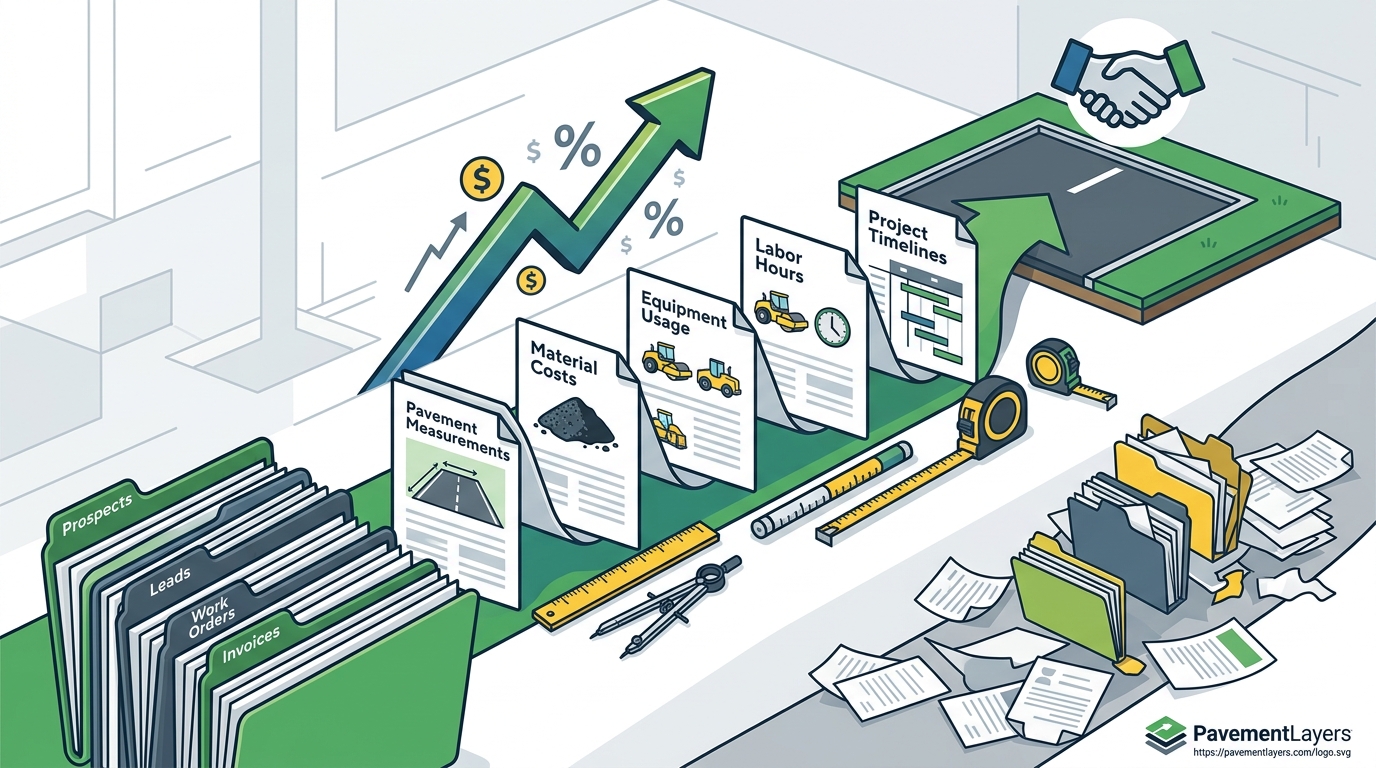
Once a lead is established, the focus shifts to estimating. This is where you calculate costs, including materials, labor, and equipment usage. The next step is creating a customized proposal. A well-organized proposal includes maps, site photos, references, and insurance documentation. By using a cloud-based solution, your team can create, edit, and send these proposals from any web-enabled device, ensuring that no detail is missed. This structured approach eliminates the guesswork and ensures that every proposal is professional and consistent.
Standardizing Proposal Content and Specifications
One of the most significant challenges in the pavement industry is maintaining consistency across proposals. Without standardization, each salesperson might present different specifications, leading to confusion and potential errors. To combat this, you should utilize preloaded specifications within your software. Pavement Layers provides an excellent set of specifications for paving, repairs, milling, base repair, infrared repairs, sealcoating, crack sealing, line striping, concrete work, drainage, curbing, and sweeping.
These specifications can be customized to match your company’s unique offerings. By standardizing the content, you ensure that every client receives the same high-quality information. This not only speeds up the proposal creation process but also enhances your credibility. Clients appreciate clarity and professionalism, and a standardized proposal demonstrates that your company is organized and reliable. Furthermore, you can include links to reference sheets, insurance documents, and workers' compensation details directly in the proposal, making it a comprehensive resource for the client.
Integration and Data Accuracy
Accurate data is the backbone of any successful estimate. Inaccurate estimates can lead to underpricing, which erodes profit margins, or overpricing, which causes you to lose bids. To ensure accuracy, your software should integrate seamlessly with other tools you use. Pavement Layers offers one-click integration with QuickBooks Desktop and Online, as well as WheelitOff for measuring and ProSiteAudit for inspections. This integration ensures that data flows smoothly between your estimating, operations, and accounting systems.
Using tools like WheelitOff allows you to upload images with measurements, repairs marked, and zones directly into your proposal. This visual data helps clients understand the scope of work and justifies the cost. Additionally, real-time tracking of won, lost, closed, open, and canceled projects provides visibility into your sales pipeline. This visibility allows you to analyze which types of proposals are winning and adjust your strategy accordingly. By leveraging these integrations, you reduce manual data entry errors and save time, allowing your team to focus on closing deals.
Pricing Models and User Tiers
Choosing the right software pricing model is essential for maximizing return on investment. Pavement Layers offers tiered pricing based on the size of your business. For small businesses with 1-5 users, the cost is $2,500 per person per year. Medium businesses with 6-20 users pay $2,200 per person per year, while large businesses with 21+ users pay $1,900 per person per year. Office staff, secretaries, or controllers cost an additional $500 per year.
| Business Size | Number of Users | Cost Per Person/Year | Additional Office Staff Cost |
|---|---|---|---|
| Small Business | 1-5 | $2,500 | $500 |
| Medium Business | 6-20 | $2,200 | $500 |
| Large Business | 21+ | $1,900 | $500 |
These pricing models include all upgrades, training, and support. The cost is often justified by the time saved and the increase in win rates. Many customers report that the tool pays for itself in less than one week, often within the first two proposed projects. By choosing the right tier, you ensure that your company has the necessary tools to scale efficiently without overspending on unused features.
Real-Time Tracking and Sales Pipeline Visibility
Visibility into your sales pipeline is crucial for making informed decisions. Real-time tracking of projects allows you to see exactly where each lead stands in the process. This transparency helps you identify bottlenecks and opportunities for improvement. For example, if you notice that many leads are dropping off at the proposal stage, you might need to improve the quality or speed of your proposals.
Notifications sent via email for new leads, opened proposals, forwarded proposals, and detailed work orders keep your team informed and responsive. This proactive communication ensures that no lead falls through the cracks. Additionally, the ability to create work orders with a tap, including driving directions, images, and scope of work, streamlines the transition from sales to operations. This seamless handoff reduces errors and ensures that the field team has all the information they need to execute the project successfully.
Key Takeaways
- Standardize Your Process: Use preloaded specifications to ensure consistency across all proposals.
- Leverage Integrations: Connect your software with QuickBooks, WheelitOff, and ProSiteAudit for accurate data flow.
- Track Your Pipeline: Use real-time tracking to monitor won, lost, and open projects for better decision-making.
- Choose the Right Tier: Select a pricing model that fits your business size to maximize ROI.
- Speed Matters: Create professional proposals in less than five minutes to win more work faster.
- Visual Data: Include images and measurements in proposals to justify costs and build trust.
- Continuous Improvement: Regularly review your process and update specifications to stay competitive.
Frequently Asked Questions
What is Pavement Layers?
Pavement Layers is a cloud-based software that enables users to create, organize, estimate, and send customized pavement proposals with images that win better work faster. It supports a proven sales process from prospect to invoice.
How long does it take to produce a proposal?
The first proposal may take 15 minutes using one finger. After watching the quick start videos, you can produce amazing proposals in less than five minutes.
Do you provide specifications or can we use our own?
Both! Pavement Layers provides an excellent set of specifications for various services. You can also modify the provided specifications or completely customize them to fit your needs.
How can I stay updated and informed?
The best way to stay informed is to join the newsletter and check the "New Tutorials" section at the top right of Pavement Layers.
Do you have a free trial?
Yes, we offer a free 14-day trial. When you sign up, you will receive detailed instructions and help from our team to be up and running in under an hour.
What is the cost of Pavement Layers?
The cost ranges from $1,900 to $2,200 per user per year, depending on the quantity of users. Office staff, secretaries, or controllers cost an additional $500 per year.
Does it integrate with other software?
Yes, it integrates with QuickBooks Online, WheelitOff, and ProSiteAudit, among others, via API.
Get Started Today
Take control of your pavement business with a proven sales process and simple-to-use software. Sign up for a free 14-day trial today and see how Pavement Layers can help you win better work, faster. Contact us to learn more about our features and pricing.