

Common Mistakes When Using Pavement Estimation Software and How to Avoid Them
Pavement contractors face a critical challenge in the modern bidding landscape. According to industry data, inaccurate estimates are the primary cause of lost bids or unprofitable projects for over 60% of small to mid-sized paving firms. This statistic highlights a significant gap between having software and using it effectively. Many companies invest in tools but fail to leverage their full potential, leading to wasted time and reduced margins. This guide outlines the most frequent pitfalls and provides concrete steps to correct them. (Paving Sealcoating Concrete Pavement)
Understanding the Sales Process
One of the most common mistakes is treating estimation software as a standalone calculator rather than a component of a broader sales workflow. Pavement Layers is a proven sales process supported with simple to use software to make your life a lot better. This definition emphasizes that the tool is designed to manage the entire journey from prospect to invoice. (FAQ Pavement Layers Pavement)
Contractors often skip the prospect management stage. They jump straight to estimating without qualifying the lead. This leads to wasted effort on projects that are not viable. To avoid this, you must integrate a CRM-like structure into your estimation tool. Track who you owe a proposal to and monitor the age of each lead. This simple tracking ensures that your sales team focuses on high-probability opportunities. (Objections Pavement Layers Pavement)
Another error is failing to standardize the workflow. Without a defined process, every estimator creates proposals differently. This inconsistency confuses clients and makes it difficult to analyze performance. Establish a standard operating procedure that moves from prospect to lead, then to estimate, proposal, work order, and finally job cost. This structured approach ensures that no detail is missed during the bidding phase. (Testimonials Pavement Layers Pavement)
Ensuring Proposal Accuracy
Inaccurate proposals are a major source of revenue leakage. Estimators often rely on outdated material costs or incorrect labor hours. This mistake can be avoided by using dynamic estimating features that allow for real-time updates. Pavement Layers enables users to create customized proposals including maps, site photos, references, and insurance documents. These elements differentiate your bid from competitors who submit generic text-only quotes.
Many contractors also neglect to include proper specifications in their proposals. They assume the client understands the scope, which leads to disputes later. You should use preloaded specifications for services like paving, repairs, milling, base repair, infrared repairs, sealcoating, crack sealing, line striping, concrete work, drainage, curbing, and sweeping. Alternatively, you can customize these specifications to match your company’s exact standards. This clarity protects your profit margin and sets clear expectations for the client.
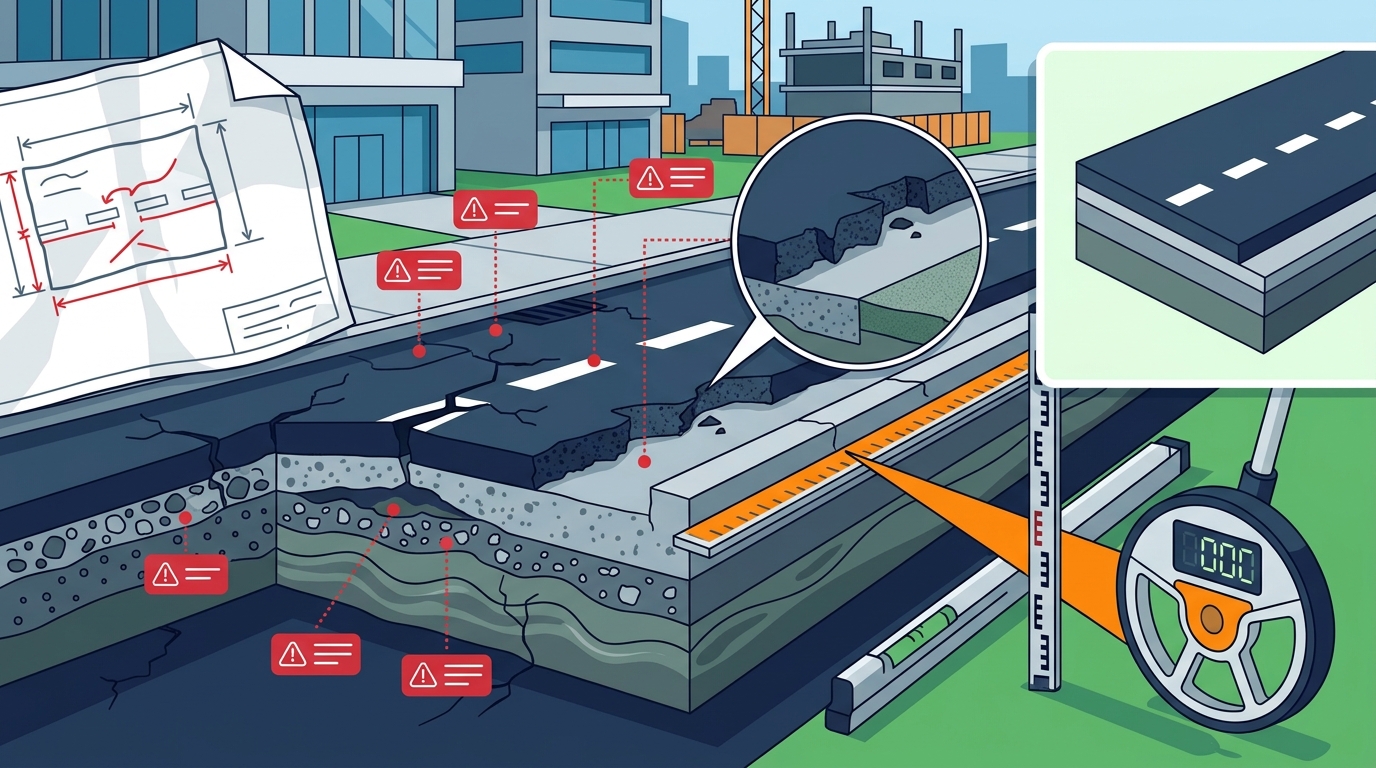
Visual accuracy is another critical factor. Proposals that include images with measurements, repairs marked, and zones provide a clearer picture of the work required. Using tools like WheelitOff, an iPad measuring, marking, and presentation app, allows you to upload these visuals directly into the proposal. This integration reduces errors and helps clients visualize the scope, increasing the likelihood of closing the deal.
Mastering Cost Tracking
Operating a business is hard work, but knowing your costs should not be. A frequent mistake is disconnecting the estimation phase from the actual job cost tracking. If you estimate a project at $10,000 but do not track actual expenses against that number, you cannot determine your true profitability. Pavement Layers addresses this by linking estimates directly to work orders and job costs.
Contractors often fail to update job costs in real time. They wait until the end of the month to reconcile expenses, which delays corrective action. By integrating your estimation software with your accounting system, you can monitor costs as they occur. This integration allows you to compare estimated versus actual costs immediately, enabling you to adjust pricing or scope for future bids.
Another common error is ignoring overhead costs in the estimation process. Many estimators focus solely on direct materials and labor, forgetting to allocate a portion of overhead to each project. This leads to underpricing and eroded margins. Ensure your estimation software allows you to add overhead percentages to each line item. This practice ensures that every bid contributes to the overall health of the business.
Avoiding Integration Errors
Manual data entry between software systems is a major source of errors. Contractors often estimate in one tool and then manually enter data into their accounting software. This process is time-consuming and prone to mistakes. To avoid this, choose a solution that offers one-click integration with your existing accounting platform. Pavement Layers offers one-click integration with QuickBooks Desktop and Online, as well as WheelitOff Measuring and ProSiteAudit Inspection.
Another integration mistake is failing to sync customer data. If your estimation software does not share customer information with your CRM or accounting system, you risk duplicating efforts and losing context. Ensure that your software allows for seamless data flow between departments. This connectivity ensures that your sales team, office staff, and field crews are all working with the same information.
API limitations can also cause issues. If your software does not offer a robust API, you may struggle to connect it with other specialized tools. Look for a solution that provides an open API, allowing you to build custom integrations as your business grows. This flexibility ensures that your technology stack evolves with your needs.
Driving Team Adoption
Even the best software is useless if your team does not use it correctly. A common mistake is inadequate training. Contractors often assume that their staff will figure out the software on their own. This leads to inconsistent usage and frustration. To avoid this, provide comprehensive training and support. Pavement Layers offers complete setup in less than 2 hours with included support and training, ensuring that your team is up and running quickly.
Another adoption error is failing to incentivize usage. If your sales team sees no benefit in using the software, they will revert to old habits. Show them how the tool saves time and increases their win rate. For example, highlight how proposals can be created in less than 5 minutes. This efficiency gain is a powerful motivator for busy estimators.
Resistance to change is also a significant barrier. Some team members may prefer manual methods because they are familiar with them. To overcome this, demonstrate the long-term benefits of the software. Share success stories from other firms that have improved their profitability using the tool. This evidence helps to build confidence and encourages adoption across the organization.
Key Takeaways
- Pavement Layers has been serving the industry since 2009, providing a proven sales process supported by software.
- Over $2 billion of completed work has been processed through the system by hundreds of firms across North America.
- Proposals can be created in less than 5 minutes using preloaded specifications and integrated visuals.
- The software integrates with QuickBooks Online and Desktop, as well as WheelitOff and ProSiteAudit.
- Pricing starts at $1,900 per user per year for large businesses, with discounts for smaller teams.
- Setup can be completed in less than 2 hours with included support and training.
- Real-time tracking of won, lost, closed, open, and canceled projects provides immediate visibility into sales performance.
Frequently Asked Questions
What is the primary benefit of using Pavement Layers?
Pavement Layers is a proven sales process supported with simple to use software to make your life a lot better. It helps you win better work, faster and easier, by streamlining the entire process from prospect to invoice.
How long does it take to produce a proposal?
The first proposal may take 15 minutes using one finger. After watching the quick start videos, you can produce amazing proposals in less than 5 minutes.
Does the software integrate with accounting systems?
Yes, Pavement Layers offers one-click integration with QuickBooks Desktop and Online, as well as WheelitOff Measuring and ProSiteAudit Inspection.
Can I customize the specifications in the software?
Yes, you can use the preloaded specifications for various services or modify them completely to customize them to whatever you like.
Is there a free trial available?
Yes, we offer a free 14-day trial. When you sign up, you will have detailed instructions and help from our team to be up and running in under 1 hour.
What devices are compatible with the software?
Pavement Layers works from any device connected to the internet, including laptops, PCs, Macs, iPads, Android tablets, and iPhones.
How much does the software cost?
Pricing varies based on the number of users. Small businesses (1-5 users) pay $2,500 per person per year. Medium businesses (6-20 users) pay $2,200 per person per year. Large businesses (21+ users) pay $1,900 per person per year.
Does the software help with job cost tracking?
Yes, the software links estimates to work orders and job costs, allowing you to track actual expenses against your estimates in real time.
Start Your Trial
Stop making costly estimation errors and start winning more profitable bids. Pavement Layers provides the tools you need to streamline your sales process and improve your bottom line. Start your free 14-day trial today and see the difference a proven process can make for your paving company.