

System requirements for pavement estimation software are the minimum hardware, operating system, and network specifications needed to run the application smoothly. PavementLayers, a cloud-based proposal management system, requires a modern web browser and a stable internet connection. This guide covers hardware specs, browser compatibility, network needs, and security protocols for pavement professionals.
How to Choose: Separating Good from Bad
Choosing the right pavement estimation software requires looking beyond basic features. A good system integrates seamlessly with your existing workflow. It must handle complex project data without lag. Bad options often rely on heavy desktop installations that slow down older hardware.
Cloud-Based vs. Desktop
Browser Compatibility
What to Ask: Pre-Commitment Questions
Before committing to a new system, ask specific technical questions. These questions reveal the true operational requirements. They help you avoid costly hardware upgrades later.
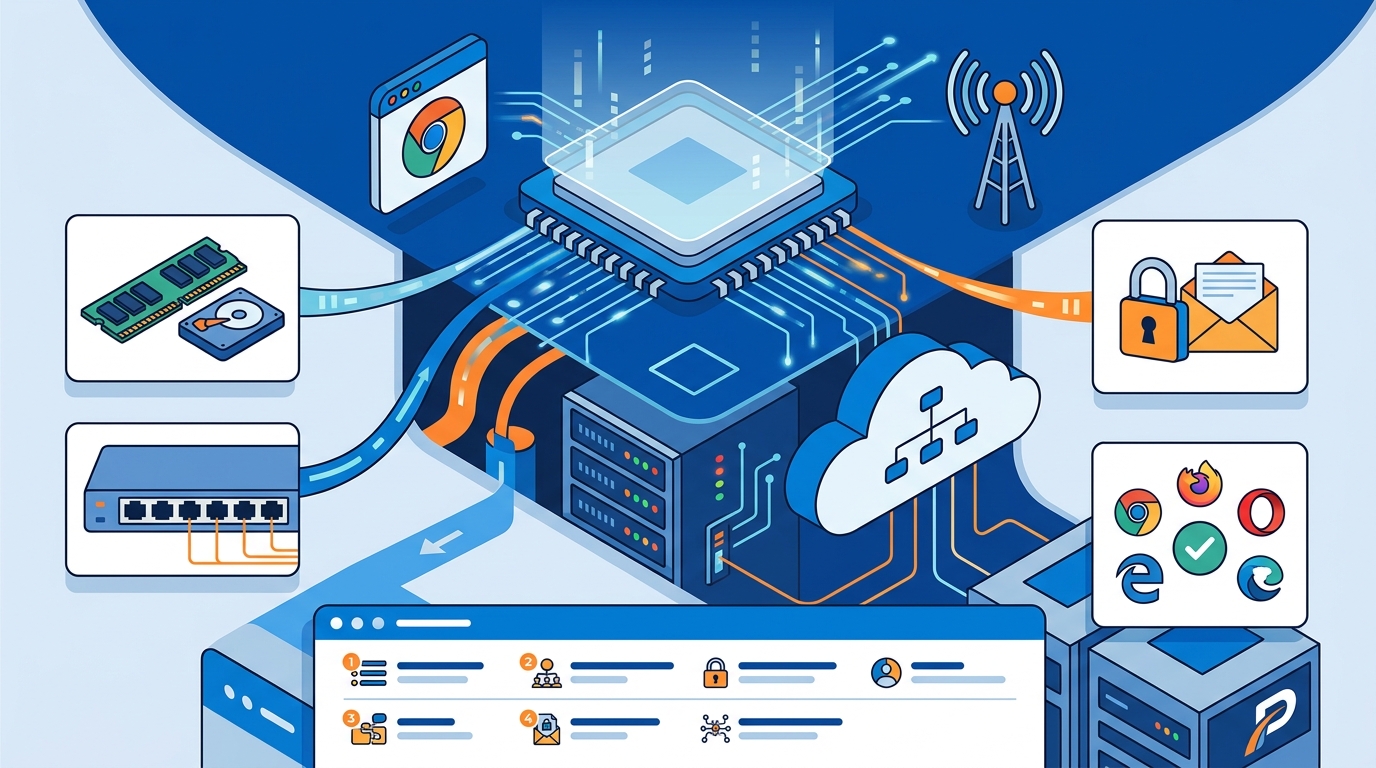
Minimum Hardware Specs
Ask the vendor for the minimum CPU and RAM requirements. Most cloud-based pavement estimation tools run on standard business laptops. You need to know if the software requires a 64-bit operating system. This ensures your current fleet of devices can handle the workload.
Network Bandwidth Needs
Inquire about the minimum internet speed required. Pavement projects often involve large image files and detailed maps. You need a stable connection to upload and download these assets. Ask if the software has offline capabilities for remote job sites.
How to Verify: Checking Claims and Credentials
Do not take vendor claims at face value. Verify technical specifications through independent testing. Check for security certifications that protect your data.
Security Certifications
Browser Support Verification
Test the software in your preferred browsers before signing a contract. Check for known bugs or rendering issues. Verify that the software supports the specific browser versions your team currently uses. This prevents workflow disruptions during the transition.
How It Works: Process and Timeline
Implementing new software follows a structured process. Understanding this timeline helps you plan for minimal disruption. The process involves setup, training, and full adoption.
Initial Setup
Initial setup is the phase where you configure the software for your business. This includes creating user accounts and importing existing data. For cloud-based systems, this process is quick. It typically takes less than a day to get the core platform running.
Training and Adoption
Training is the period where your team learns to use the new tools. PavementLayers offers a 14-day free trial. This allows you to test the system with real projects. Most teams become proficient within two to four weeks of daily use.
What It Costs: Price Drivers
Subscription Fees
Subscription fees are the recurring charges for using the software. These fees often scale with the number of users. Cloud-based models typically charge per user per month. This predictable cost structure helps with financial planning.
Hardware Upgrades
Hardware upgrades are the one-time costs for new devices. If your current computers are too old, you may need to replace them. Cloud-based software reduces this cost. It runs on standard hardware, minimizing the need for expensive upgrades.
What Goes Wrong: Common Mistakes
Common mistakes lead to poor software adoption. Avoiding these pitfalls ensures a smooth transition. Most issues stem from inadequate planning and testing.
Ignoring Browser Updates
Ignoring browser updates is a common error. Browsers change frequently, which can break web applications. Keep your browsers updated to the latest stable versions. This ensures compatibility with the pavement estimation software.
Underestimating Network Needs
Underestimating network needs causes slow performance. Large project files require robust internet connections. Test your network speed before full deployment. Ensure that your office and field devices have adequate bandwidth.
Versus Alternatives: Comparison
Comparing different software types helps you make an informed decision. Each option has distinct requirements and benefits. The table below summarizes the key differences.
| Software Type | Hardware Requirements | Network Needs | Deployment Time |
|---|---|---|---|
| Cloud-Based (e.g., PavementLayers) | Standard laptop, 64-bit OS | Stable broadband, 5G for field | Less than 1 day |
| Desktop Application | High-end CPU, 16GB+ RAM | Local network, optional internet | 1-2 weeks |
| Mobile App | Modern smartphone or tablet | Cellular data, Wi-Fi | Immediate |
For a Specific Situation: Field Use
Field use presents unique challenges. Pavement professionals often work in remote areas with limited connectivity. The software must perform well in these conditions.
Offline Capabilities
Offline capabilities are the features that allow the software to function without an internet connection. This is critical for remote job sites. Check if the software allows you to view and edit proposals offline. Data should sync automatically when a connection is restored.
Mobile Device Support
Rules and Protections: Data Security
Data security is a top priority for pavement companies. Client data and proposal details are sensitive. You need robust protections to prevent breaches.
Encryption Standards
Access Controls
Access controls are the mechanisms that restrict who can view or modify data. Each user should have a unique username and password. This ensures that only authorized personnel can access sensitive information. Role-based permissions help manage access within your team.
Local Specifics: Regional Considerations
Regional factors can impact software performance. Internet infrastructure varies by location. You need to consider these factors when choosing a system.
Internet Infrastructure
Internet infrastructure is the physical network that provides connectivity. Rural areas may have slower speeds than urban centers. Test your local internet speed before committing to a cloud-based solution. Ensure that your office and field locations have adequate bandwidth.
Local Regulations
Local regulations are the laws that govern data privacy and security. These laws may require data to be stored in specific regions. Verify that the software complies with local data protection laws. This ensures that your business remains compliant.
Timing: When to Act
Timing is critical for a successful software transition. Acting at the right time minimizes disruption. It also maximizes the benefits of the new system.
Off-Peak Seasons
Off-peak seasons are the periods with lower project volume. This is the ideal time to implement new software. Your team has more bandwidth to learn the new tools. It also reduces the risk of missing deadlines during the transition.
Hardware Refresh Cycles
Hardware refresh cycles are the scheduled replacements of aging devices. Align your software implementation with your hardware refresh. This ensures that all devices meet the new system requirements. It also simplifies the deployment process.
Results Over Time: Long-Term Outcomes
Long-term outcomes depend on consistent use and optimization. Over time, the software becomes an integral part of your workflow. It drives efficiency and growth.
Efficiency Gains
Efficiency gains are the improvements in speed and accuracy. PavementLayers claims to help users create proposals 90% faster. This speed boost allows your team to handle more projects. It also reduces the time spent on administrative tasks.
Win Rate Improvements
Win rate improvements are the increases in successful bids. Professional proposals with images and detailed estimates win more work. PavementLayers aims to increase win rates by more than 40%. This directly impacts your revenue and growth.
Key Takeaways
- Cloud-based pavement estimation software requires standard hardware and a stable internet connection.
- Browser compatibility is critical; test the software in your preferred browsers before committing.
- Verify security certifications like SSL encryption to protect your client data.
- Cloud solutions reduce hardware upgrade costs compared to desktop applications.
- Offline capabilities are essential for field use in remote areas.
- Implement new software during off-peak seasons to minimize disruption.
- Long-term use leads to significant efficiency gains and improved win rates.
Frequently Asked Questions
What are the minimum hardware requirements for PavementLayers?
PavementLayers is a cloud-based application that runs in a web browser. It requires a standard business laptop with a 64-bit operating system. No special hardware upgrades are needed.
Does PavementLayers work offline?
What internet speed is required for PavementLayers?
A stable broadband connection is recommended for optimal performance. Large project files require adequate bandwidth. Test your local internet speed before full deployment.
Is PavementLayers secure?
Yes, PavementLayers uses industry standard Secure Socket Layer (SSL) technology. Your data is protected using both server authentication and data encryption. The hosting environment includes firewalls and advanced security measures.
How long does it take to implement PavementLayers?
Initial setup takes less than a day. Most teams become proficient within two to four weeks of daily use. The 14-day free trial allows you to test the system with real projects.
Can I use PavementLayers on mobile devices?
What browsers are supported by PavementLayers?
How much does PavementLayers cost?
PavementLayers offers a 14-day free trial. Subscription fees scale with the number of users. Contact the vendor for specific pricing details.